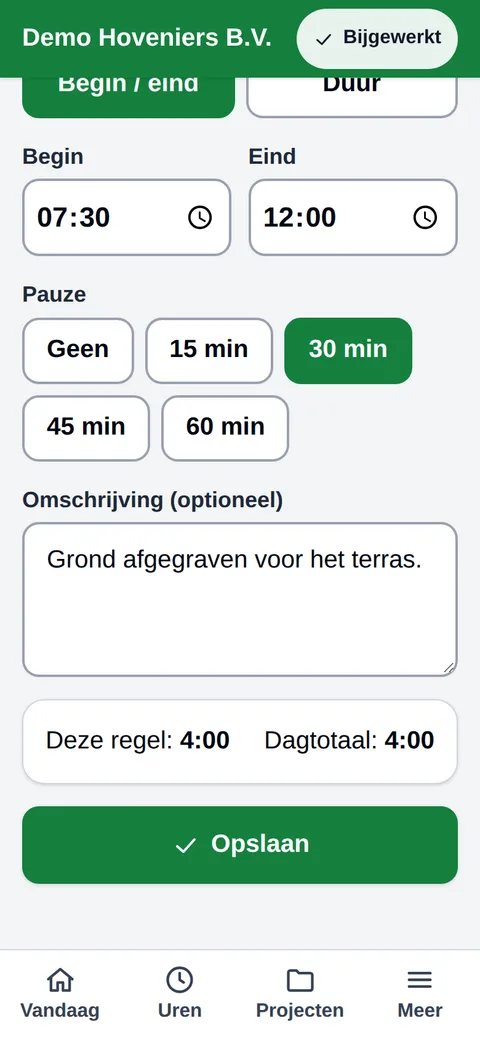
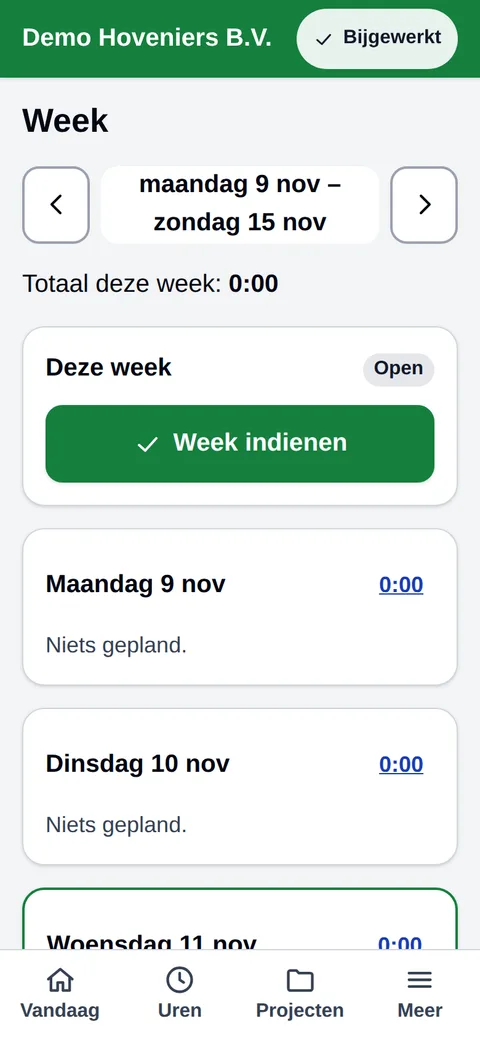
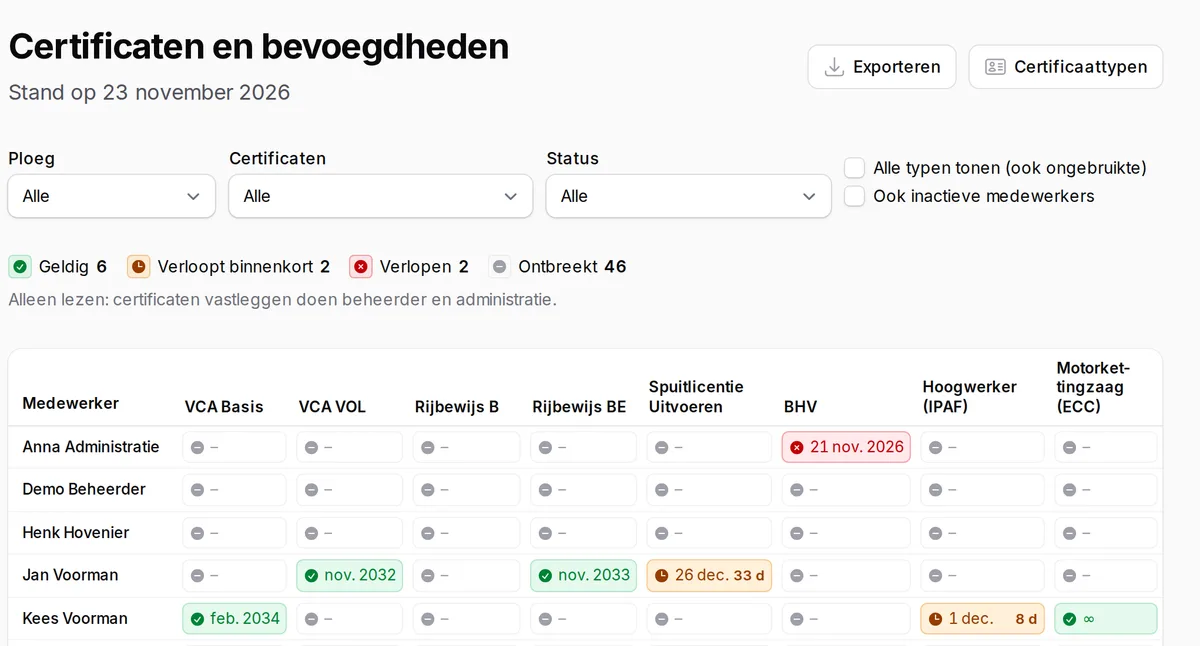
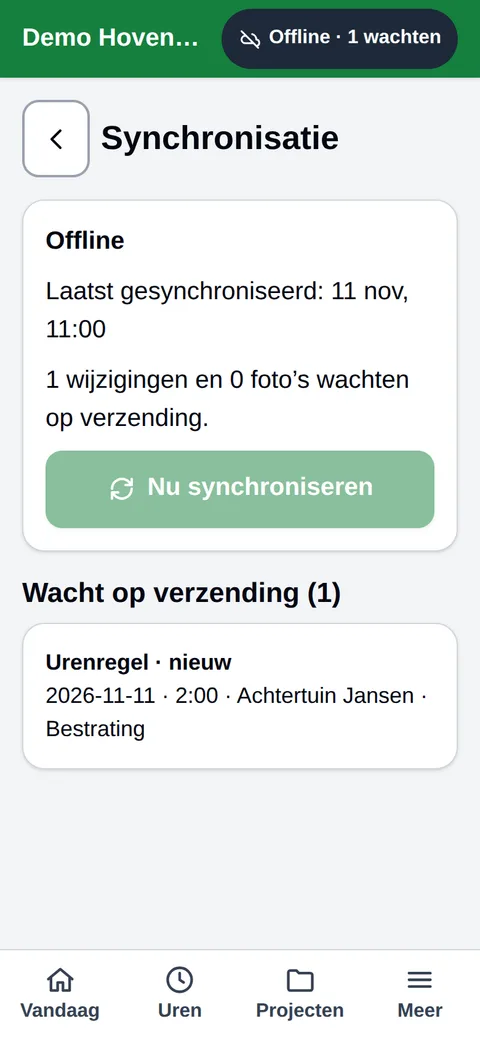
What Urendo does
Urendo replaces paper timesheets and retyping them on Friday. People log hours on their phone, wherever they work; the office sees them straight away.
Who it is for. Small and medium businesses with people on the road or on site: landscapers, installers, construction, cleaning, maintenance and service. From a handful of people to several crews, with an office, a planner and foremen.
What it does. Hours by timer or by hand, scheduling, work orders with signatures, approval, leave, Dutch Working Hours Act checks and exports to accounting and payroll. What you do not need, you switch off.
Where it runs. In the browser for the office, as an app on the phone for the people outside. Every company gets its own address, such as yourcompany.urendo.nl, with its own logo and colour.
How to start. Urendo is available soon. Then you create an account yourself, choose your address and the parts you want, and invite your people. Questions, or a price for your situation? E-mail support@urendo.nl.
Try the app
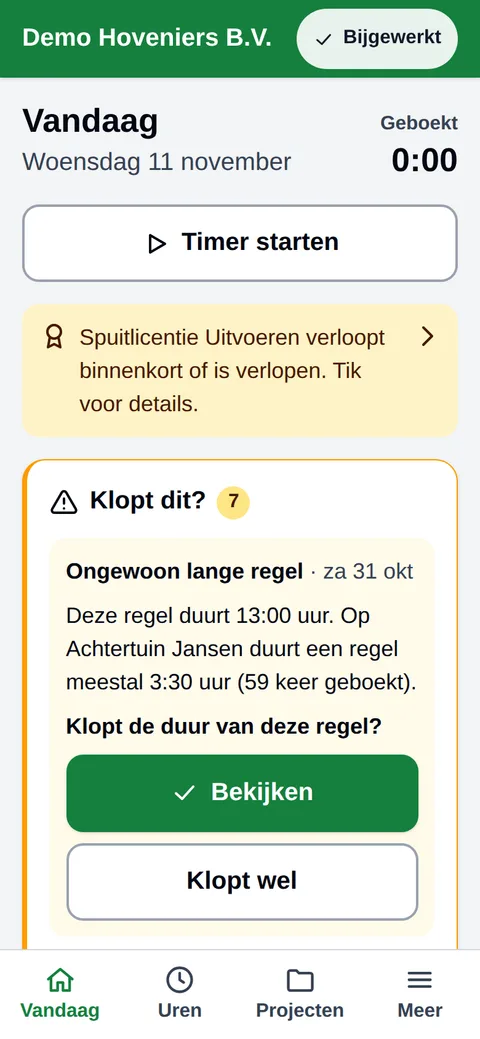
Switch the connection off, log a few hours and switch it back on. This is how your employees’ app works.
Today
Wednesday 11 November
Booked
0:00
Start timer
Booked today
- Nothing logged yet.
Simulated in your browser: nothing is sent or stored. The timer runs sixty times as fast here.
Everything on one board
Planning board
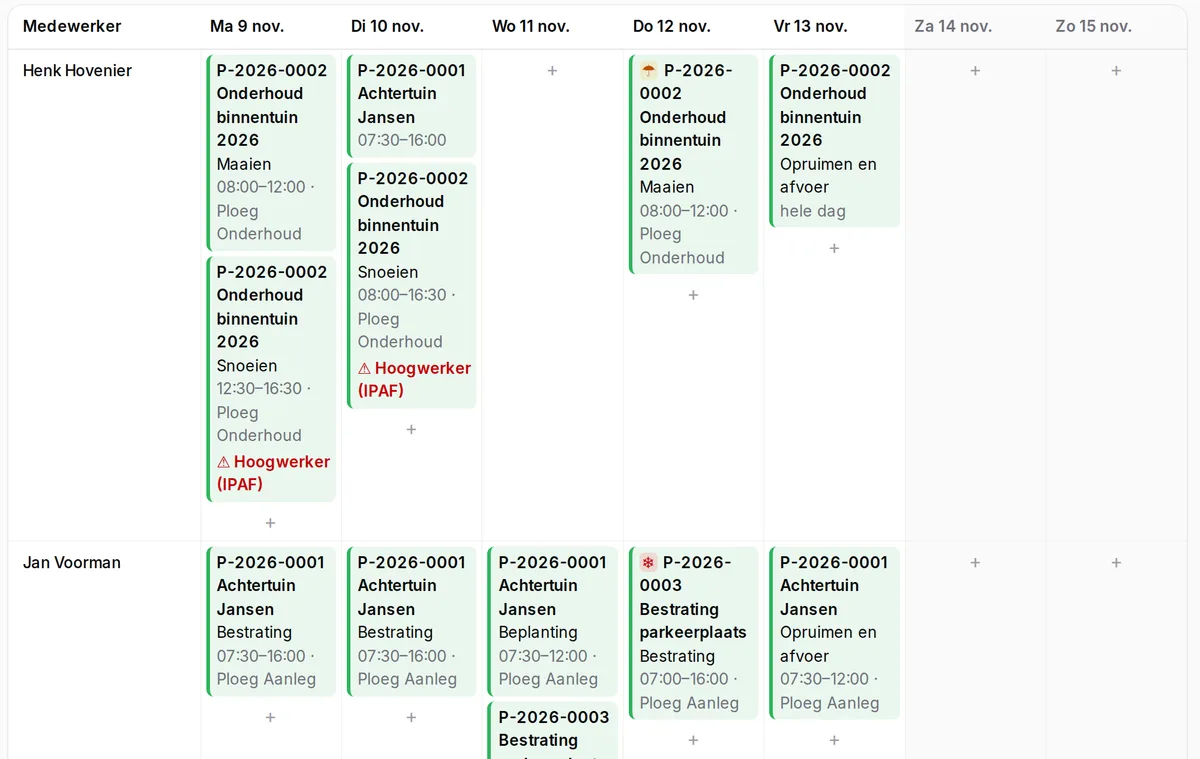
Week and day planning per employee or crew. Drag to move, publish when it is ready.
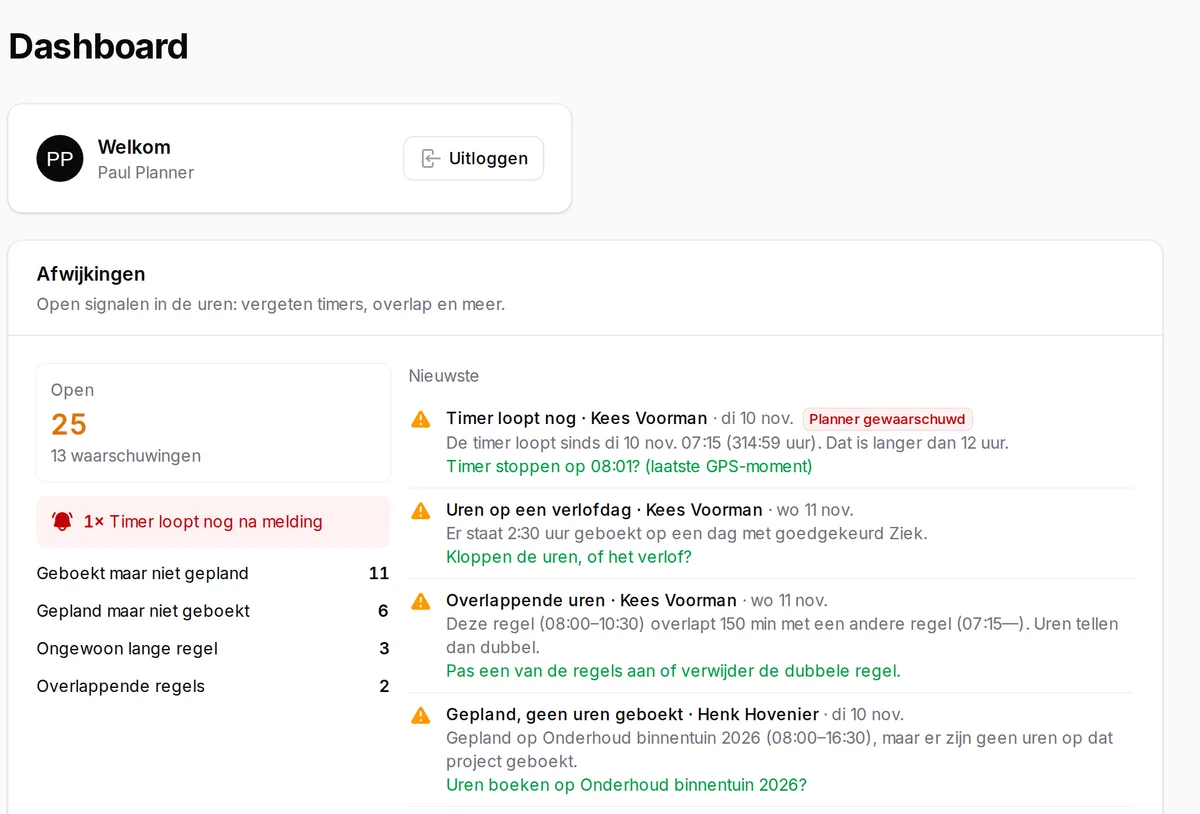
Working Hours Act
Signals for shifts that are too long or rest that is too short, with an export for the labour inspectorate.
Weather downtime
Hours lost to unworkable weather, backed by KNMI observations.
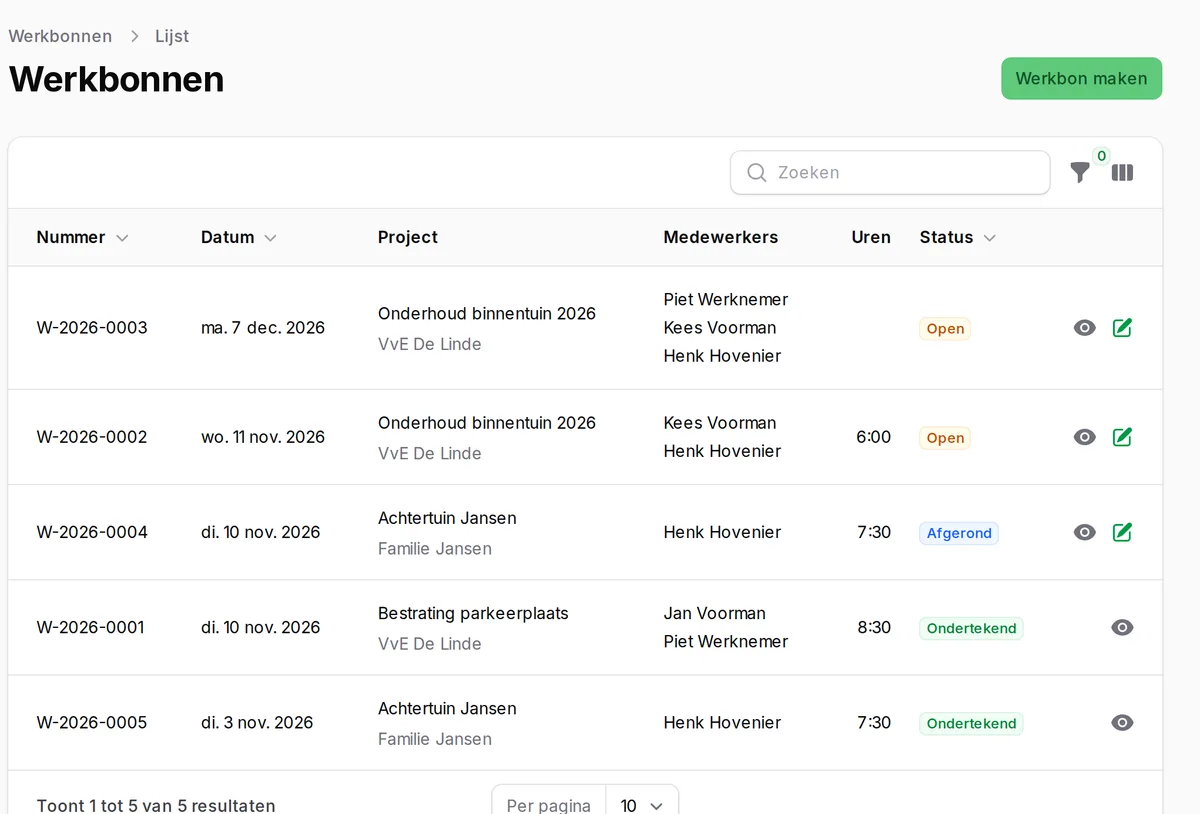
Work order with signature
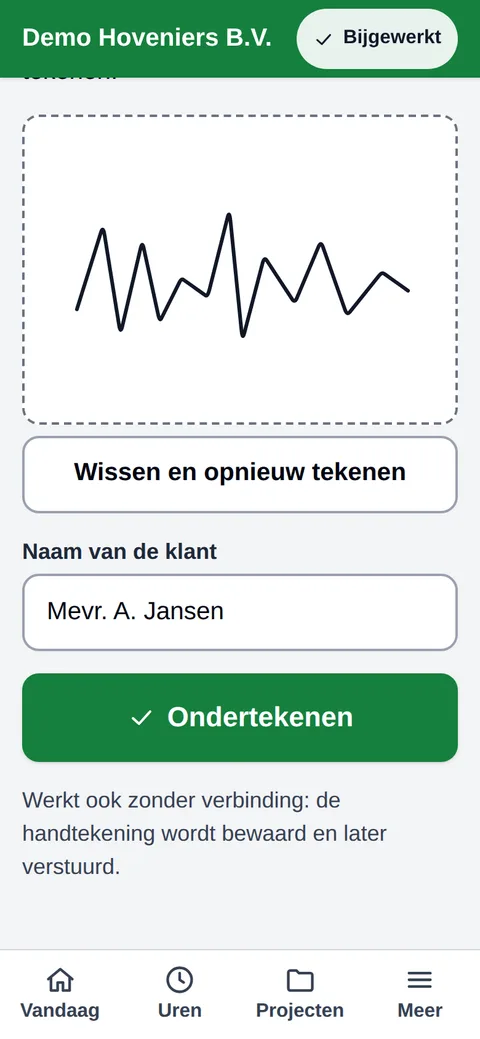
Hours, materials, photos and the customer’s signature on one order.
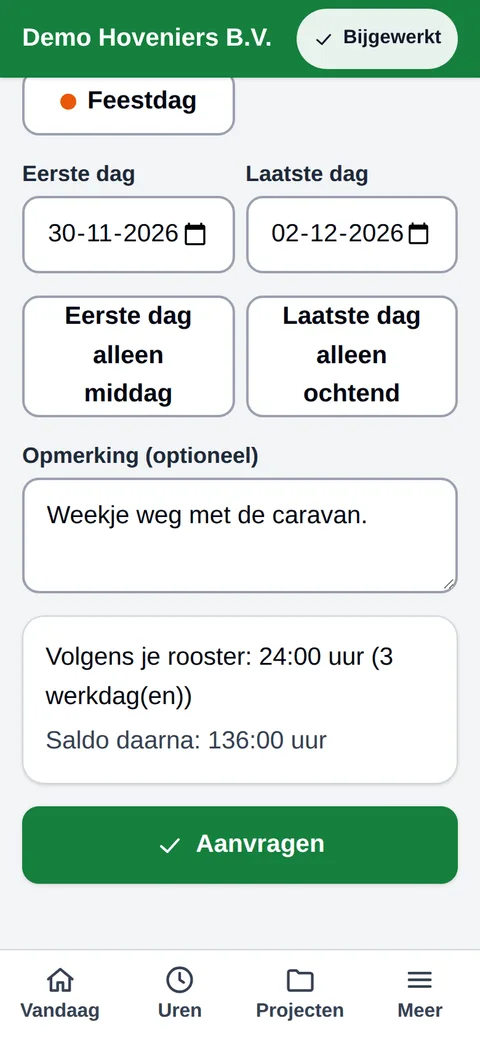
Leave and sickness
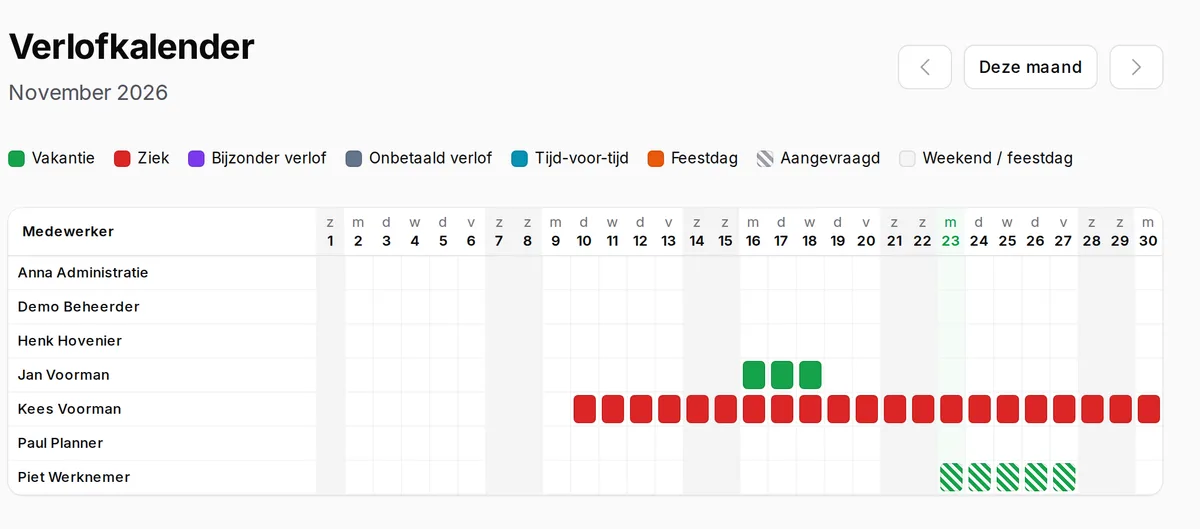
Requests and sick reports in the app; balances and a calendar for the office.
Certificates
Safety certificate, driving licence or aerial platform with expiry date, reminder and a warning when scheduling.
Submit and approve
Employees submit their week; the office approves it and closes the period.
Accounting SnelStart · Exact Online · Moneybird · e-Boekhouden
Payroll Nmbrs · Loket
Excel and CSV, with your own columns
Accounting and payroll
Draft invoices to your accounting package, hours per pay period to your payroll package, or your own Excel export.
Many trades, one app.
Pick a working day.
Keep me posted
Landscaping
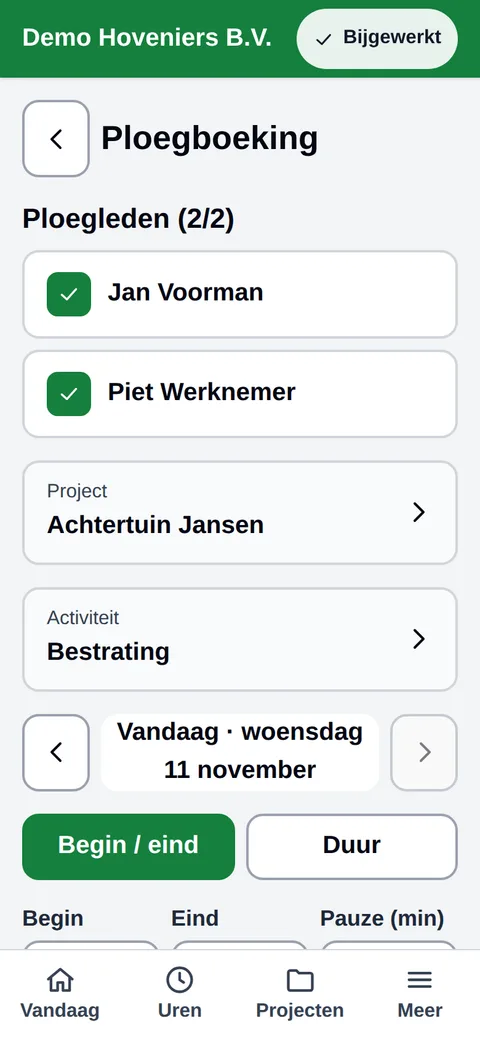
- 07:30 Crew starts at the customerThe foreman starts the timer for the whole crew. Crew booking
- 10:15 Heavy showerHours as unworkable weather, with the KNMI observation attached. Weather
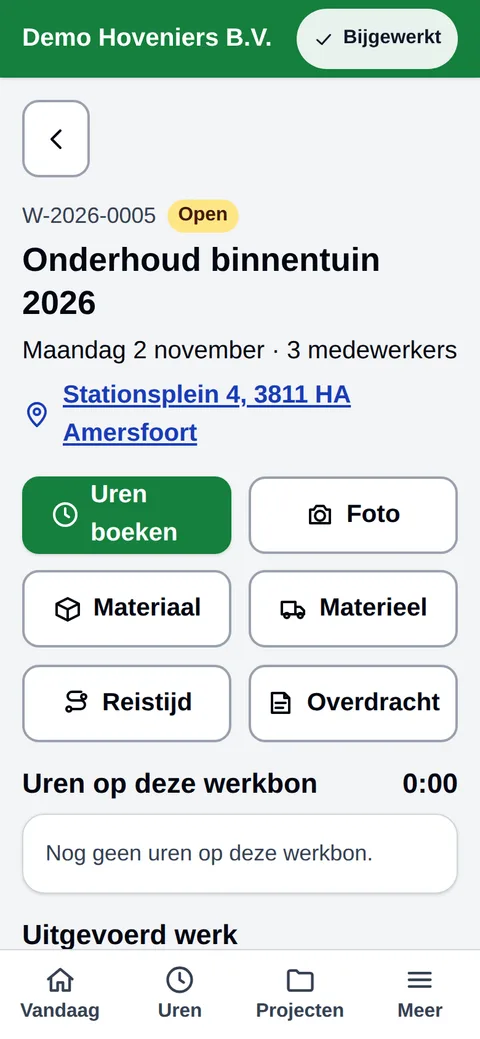
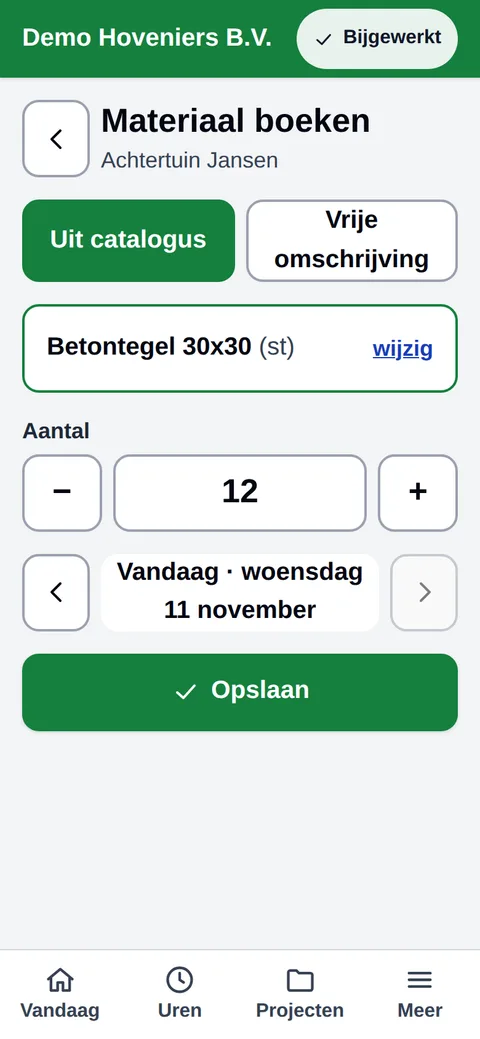
- 13:00 Tiles and mini diggerMaterials and machine hours on the work order. Work order
- 16:00 Customer signs offSignature on the phone, the PDF goes to the office. Work order
Installation
- 08:00 Breakdown at a customerThe engineer sees address and note in his schedule. Planning
- 09:40 Basement without signalHours and photos stay on the phone and are sent later. Offline
- 11:30 Parts usedMaterials from the catalogue on the work order. Work order
- 15:00 Job doneHours and materials go to a draft invoice. Invoicing
Construction
- 06:30 Early startStart and end time per shift, with break. Hours
- 14:00 Aerial platform scheduledA warning when the certificate is missing or expired. Certificates
- 18:45 Long dayA signal for more than 12 hours in one shift. Working Hours Act
- Friday Submit the weekThe office approves the week and closes it. Approval
Cleaning
- 05:30 Early shiftEarly and late shifts count in the rest-time checks. Working Hours Act
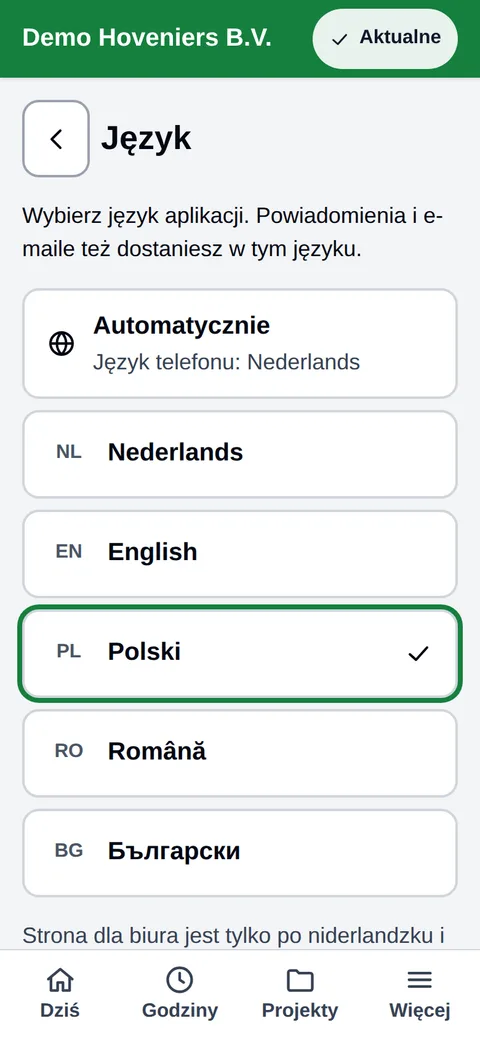
- 06:00 App in PolishEvery employee picks a language; the office works in Dutch or English. Languages
- 09:00 Next buildingStop the timer and start it again on the next project. Timer
- 12:30 Colleague off sickReport sick in the app; the planner sees it on the planning board. Leave
Maintenance and service
- 07:45 Recurring maintenanceRecurring jobs create their own plan item or work order. Maintenance
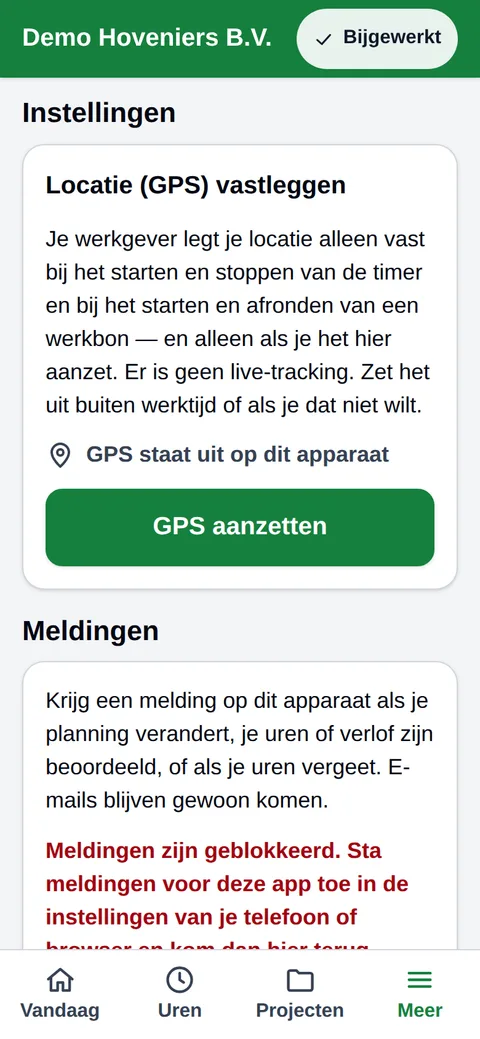
- 10:00 Location at startOnly when the company turns GPS on, only at start and stop. GPS
- 15:30 Customer not at homeThe customer gets a link, signs remotely and can pay with iDEAL. Work order link
- month end PayrollHours per pay period to Nmbrs or Loket. Payroll
An example of a working day; names and times are made up.
How to start
Once Urendo is available, this is how you start. No installation and no app store: the office works in the browser, employees add the app to their home screen from the browser.
-
Enter your company, choose your address (yourcompany.urendo.nl) and the parts you want to use. Once you confirm your e-mail you can get going.
-
Prepare customers, projects and activities. Import customers and materials from Excel or CSV; a checklist shows what is left.
-
Invite employees by e-mail and give them a role: administrator, accounts, planner, foreman or employee.
-
Employees open yourcompany.urendo.nl/app on their phone, add it to the home screen and log their first hours.
Questions
What does Urendo cost?
We do not put prices on this site. E-mail support@urendo.nl with the number of employees and what you want to use; you will get an answer that fits your company.
When can I start?
Urendo is available soon. E-mail support@urendo.nl if you want to be kept posted; we will let you know when you can create an account yourself.
Does the app work without internet?
Yes. Schedule, projects and activities are stored on the phone. Hours, timer, photos and signatures are kept and sent automatically once there is signal again. If the same line was changed in two places, the app reports it instead of overwriting anything.
Do employees have to install an app?
Not from an app store. The app opens in the phone’s browser at your company’s address and adds itself to the home screen. Notifications work through web push.
Which languages does the app speak?
The employee app is available in Dutch, English, Polish, Romanian and Bulgarian; every employee chooses. The office works in Dutch or English.
Are employees tracked?
No. GPS is a company setting and is off by default. When it is on, the app only records the location when the timer or a work order starts and stops, and employees can switch it off on their phone. There is no live tracking.
Which packages does Urendo work with?
Draft invoices go to SnelStart, Exact Online, Moneybird or e-Boekhouden; hours per pay period to Nmbrs or Loket. You can also export to Excel or CSV with your own columns, and there is an API with webhooks. E-mail us to check whether your package and administration can be connected yet.
How do we log in?
Everyone logs in at your own company’s address, such as yourcompany.urendo.nl. The office uses that address in the browser, employees open /app on their phone. On the Log in page you enter your address and we take you there.
Available soon
We are putting the finishing touches to Urendo. Want to know when you can start with your own crew? Send us an e-mail and we will let you know.
Keep me postedQuestions? E-mail support@urendo.nl.